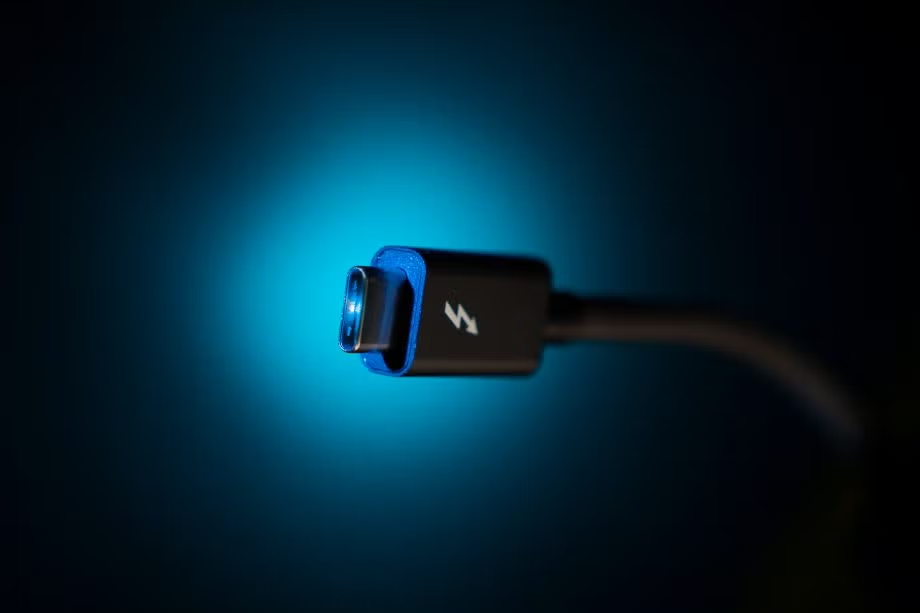
We know that a lot of music professionals have either current or legacy audio interfaces that connect via the Thunderbolt™ or FireWire interfaces and will be wondering whether they can still use them with their new OPUS 101 Pro Audio computer.
The short answer is: probably! But there are caveats.
FireWire Compatibility
FireWire (AKA IEEE 1394) is no longer a commonly-used standard, having been largely superseded by USB and Thunderbolt™ in the mid-2010s. Nevertheless a great many brilliant audio interfaces have been made over the years that use FireWire for connections, which is why our Virtuoso Series machines come with the option of adding in either a FireWire 400 or FireWire 800 PCIe card. These optional expansion cards will allow you to connect most FireWire 400 (1394a) or FireWire 800 (1394b) cards to your OPUS 101 machine without issue. However, note that many drivers for these devices are out-of-date and this may cause compatibility issues with the latest version of Windows 11—so we cannot guarantee your interface will work.
Thunderbolt™ Compatibility
Thunderbolt™ compatibility is a slightly more complex question. As the obligatory trademark symbol implies, Thunderbolt™ is a proprietary technology, owned and licensed by Intel. We have some good reasons for not using Intel CPUs in our audio-focused systems, but Intel has for many years been reluctant to certify Thunderbolt™ compliance for AMD motherboards. During the previous AM4 generation of AMD processors, some manufacturers did seek and achieve Thunderbolt™ certification, including ASUS on the ProArt X570-Creator WiFi motherboard we used to sell.
Some of our newer motherboards, including the ASUS TUF Gaming B650-Plus WiFi, have internal Thunderbolt™ headers, meaning with an optional expansion card they can support Thunderbolt™ 3 and 4 devices. However, our X870 motherboards do not support Thunderbolt™ per se, but instead have USB4 ports.
USB4 and Thunderbolt™ Compatibility
The open source USB4 standard has become more common in recent years. This technology is largely based on the Thunderbolt™ 3 standard and provides many of the same features, along with broad compatibility for Thunderbolt™ devices—indeed, in many cases it is interchangeable with Thunderbolt™ 4. They all use reversible Type-C connectors, feature fast bidirectional transfer speeds and support DisplayPort output.
However, not all Thunderbolt™ features are required by the USB4 standard. Some are optional, and it is really up to the individual manufacturer to decide which of these features they wish to implement. Helpfully, Microsoft issued a decree that in order to achieve Windows Hardware Quality Labs (WHQL) certification—something that all our motherboards have—a USB4 device needs to support:
- Most Thunderbolt™ 3 devices like audio interfaces, storage drives and displays
- Data transfer speeds up to 40Gbps (or 20Gbps depending on the port)
- DisplayPort 1.4 video output
However, they do NOT require support for Thunderbolt™ docking stations and some legacy Thunderbolt™ devices. That's not to say those devices definitely won't work, but they are not guaranteed to do so.
So we have a curious situation whereby our most modern motherboards are slightly less likely to work with your Thunderbolt™ 3/4 devices than the previous generation.
This does not mean those devices will not work: we have seen several users with e.g. Universal Audio Apollo interfaces reporting success with the USB4 ports on their ASUS X870 motherboards. But, as ever, we cannot guarantee this and if you have one of these devices we would strongly recommend getting in touch with the manufacturer to see whether they support the motherboard you are looking at before hitting that Add to Cart button!